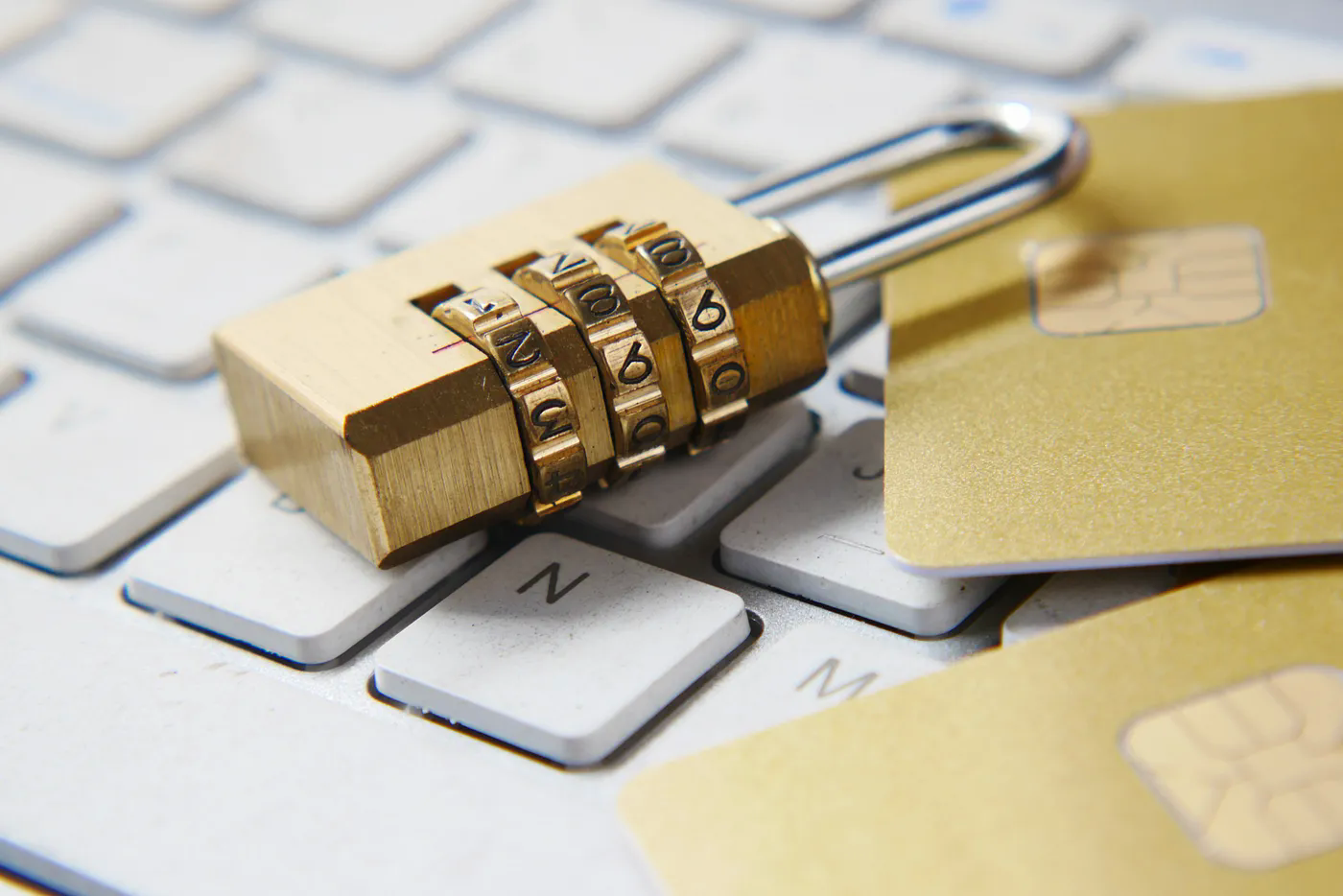
Ways to Increase Your Online Security
It is a no-brainer to know that the internet is a big place. Everyday new content/software is being created. From funny-looking TikTok videos to not-so-funny-looking-but-very-informing articles, there are just too many things to discover and interact with. But like the old Uncle Sam said:
“With great power comes great responsibility.”
In our case the great power being the internet and the great responsibility being your cyber security. With the increase on amount of people using the internet, there is no doubt that some of them will have malicious intentions. In order to secure yourself and your data from these people/softwares, here are some ways you can do.
Here is a TLDR if you don’t want to read all of it.
- Use a Password Manager 🧩
- Use Secure Passwords 🔒
- Enable Two-Factor Authentication 📱
- No Shady Applications 🚫
- Use You Common Sense 💭
Before we go any further, remember to always keep your device up-to-date.
1. Use a Password Manager 🧩
Password managers are secure and intelligent software that keeps all your passwords in one place. Many people create one password and re-use it in all of their accounts. Or they just note it somewhere, like their phones notes app. This is not secure at all. Let me explain.
- If one of your passwords is somehow leaked, then the hacker will certainly try use it on your other accounts.
- If someone checks your notes and sees your password, then well.. good luck.
The best solution to managing your passwords is to use a Password Manager. Like, Dashlane, 1Password or LastPass. They store all you password in one place, called vault, where you can access them using a master key. Your password vault is encrypted using highly secure algorithms like AES-256 or AES-512. So, even if your vault gets hacked, the hacker cannot access your passwords without the master key.
Now, now; don’t be afraid. I know that putting all of your important information in ONE place sounds scary. So, let me ask you a question to ease your worries.
Would you rather: put all your valuables in different places where security is low or put them in one place where the security is very high?
2. Use Secure Passwords 🔒
Having passwords like michael123, iloveyou or 123456 is just a big no. Please don’t do this. Apart from being very cringy, they are also very easy for other people to guess and gain access to your account.
Use complicated, random-looking and long passwords to increase you password security. Here is a list I think that everyone should follow when creating a strong password.
- At least 12 characters long
- Mixture of upper and lower case characters
- Have special characters (* $ # ? !)
- Don’t use guessable words (phone number or birthdate)
An example to these rules might be:
- 3^sn0wy+R4IN^9
- eT35!%99ali3n
- >b4ng!##vr00M>l0l
You can also get help from your Password Manager to automatically generate these strong passwords for you!
3. Enable Two-Factor Authentication (2FA) 📱
Let’s say that, against all of your efforts, a hacker got access to your email and password. Oh no! What are we going to do? Don’t worry my friend. 2FA comes to the rescue!
Your account can be greatly secured having 2FA enabled. It works like this. You enter your email and password normally. After this step, a code is being sent your phone. You must enter this code to login to account. If you have ever used a bank app, then you know exactly what I’m talking about. It might be annoying to enter TWO thing to access your account but, trust me it is worth to have extra security.
The name Two-Factor comes from, first factor being your password and the second being the code sent to your phone. Hence the name Two-Factor.
Majority of the websites have 2FA support like Instagram, Google, iCloud or Amazon but, there are still some that does not. In that case, you can either contact their support channel or just accept the risk and move on.
4. No Shady Applications 🚫
When we use our computers or phones, we might want to install an app that seems cool. Please, before you install something on your machine just have a quick search about it. Only install or run apps from trusted sources.
You might want to pirate a movie, game or a software because it’s just easier and cheaper to do so. Yes, the option to not pay for something is appealing but is it worth risking your device and privacy? Just please, don’t download/install shady-looking application and use pirated software. Also , remember this:
If something sound too good to be true, then it probably is not.
5. Use Your Common Sense 💭
Most of the time, you are safe on the internet. Until you become a target. Hackers are not just some cool-looking guys in front of some black and green screens. No, they are much more than that. Their biggest tool is not the computer but human physiology.
Unless you are living under the rock for the past 10 years, you must have heard the term Social Engineering. It is a ‘way’ to use normal words and human interactions to ‘hack’ into you. They can do that by sending you a link saying “Your account is about to be deleted! Click this link to confirm your Instagram account.” Your first response is to quickly clicking the link. Then, boom! Your account is gone. To be honest, I don’t know how they are able to hack your account this quickly and without Instagram noticing. (Maybe XSS or session hijacking?)
This fifth way is not something someone can teach. All I can do is give you some tips.
- Do not click every link you see
- Do not download any file you do not know
- Do not trust anyone you don’t know on the internet
In the end there is no such thing as ‘complete safe’. All we can do is to increase the security we have and act cautiously. You have read my 5 ways to stay safe on the internet. There are of course much more things you can do, but these are, in my opinion, is the most fundemantals. My final words are this:
Assume everything is malicious on the internet and out to get you.

Thanks for reading & Take care ❤
Follow me on X (formerly Twitter), if you like my works that is >.<